0%
AI ReliabilityFeatured

Why Your ML Models Fail in Production (And How to Fix It)

Most ML models that work in notebooks break in production. Learn the top reasons for production ML failures — model drift, infrastructure gaps, and monitoring blind spots — and how to fix them.

6 min read1,085 words

Your model scores 95% accuracy in the notebook. The demo goes great. Then you deploy it — and within weeks, predictions start degrading, latency spikes, and nobody knows why.

This isn't a rare edge case. 87% of ML models never make it to production, and of those that do, most degrade silently within months. The gap between "works in Jupyter" and "works in production" is where most AI initiatives die.

We've spent years bridging that gap. Here are the patterns we see repeatedly — and how to fix them.

1. Model Drift: Your Data Changed, Your Model Didn't

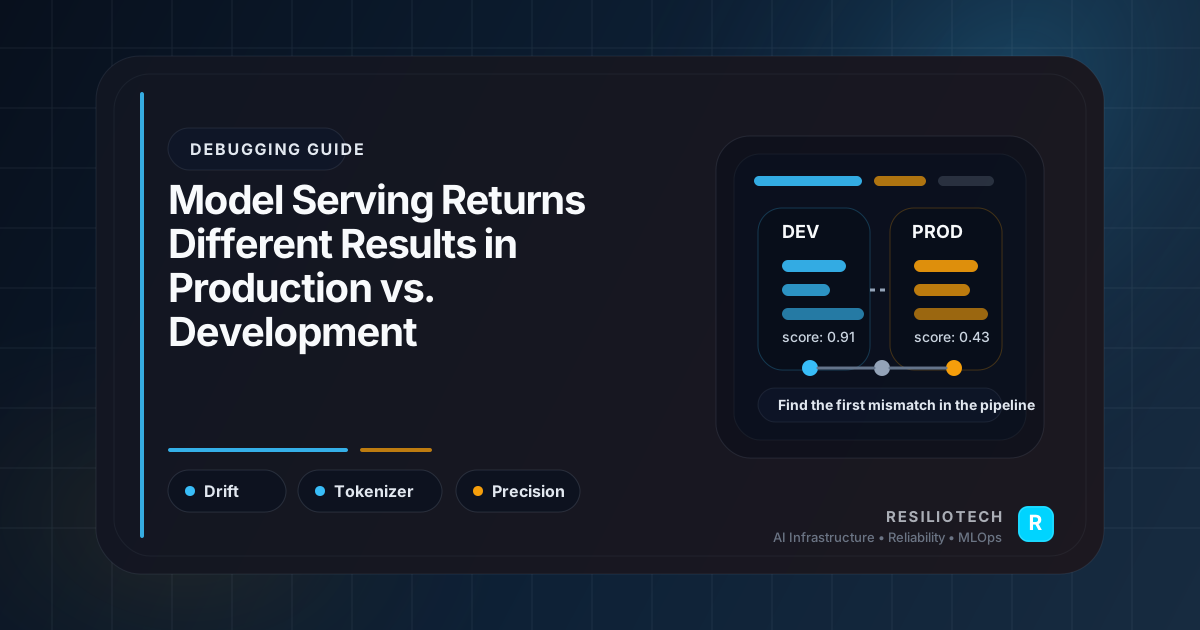
Model drift is the silent killer of production ML. Your model was trained on historical data, but the real world moves on.

Types of Drift

  • Data drift: The statistical distribution of input features changes over time
  • Concept drift: The relationship between inputs and outputs changes
  • Feature drift: Upstream data pipelines change schemas or semantics

Detection Strategy

from evidently.report import Report
from evidently.metric_preset import DataDriftPreset

# Compare current production data against training baseline
report = Report(metrics=[DataDriftPreset()])
report.run(
    reference_data=training_df,
    current_data=production_df
)

# Extract drift scores per feature
drift_results = report.as_dict()
for feature in drift_results['metrics'][0]['result']['drift_by_columns']:
    col = drift_results['metrics'][0]['result']['drift_by_columns'][feature]
    if col['drift_detected']:
        print(f"⚠️ Drift detected in {feature}: score={col['drift_score']:.3f}")

The Fix

  1. Establish baselines during training — capture feature distributions, not just accuracy
  2. Monitor continuously using tools like Evidently, Whylogs, or custom statistical tests
  3. Automate retraining when drift exceeds thresholds — don't wait for complaints

Don't Just Monitor Accuracy — Accuracy metrics can lag behind drift by weeks. By the time accuracy drops, you've already served thousands of bad predictions. Monitor input distributions proactively.

2. Infrastructure Gaps: The Notebook-to-Production Chasm

A Jupyter notebook is not a deployment artifact. The infrastructure needed to serve models reliably is fundamentally different from training infrastructure.

Common Infrastructure Failures

Failure ModeCauseImpact
Cold start latencyModel loading on first request10-30s response times
Memory exhaustionNo resource limits on model containersPod OOMKills, cascading failures
GPU contentionMultiple models sharing GPUs without isolationUnpredictable latency
No autoscalingStatic replicas can't handle traffic spikesDropped requests during peaks

Production-Grade Model Serving

# kubernetes/model-deployment.yaml
apiVersion: apps/v1
kind: Deployment
metadata:
  name: recommendation-model
spec:
  replicas: 3
  strategy:
    rollingUpdate:
      maxUnavailable: 1
      maxSurge: 1
  template:
    spec:
      containers:
        - name: model-server
          image: registry.example.com/rec-model:v2.1.0
          resources:
            requests:
              memory: "4Gi"
              cpu: "2"
              nvidia.com/gpu: "1"
            limits:
              memory: "6Gi"
              cpu: "4"
              nvidia.com/gpu: "1"
          readinessProbe:
            httpGet:
              path: /health
              port: 8080
            initialDelaySeconds: 30
            periodSeconds: 10
          livenessProbe:
            httpGet:
              path: /health
              port: 8080
            initialDelaySeconds: 60
            periodSeconds: 30
          env:
            - name: MODEL_WARMUP
              value: "true"
            - name: MAX_BATCH_SIZE
              value: "32"
---
apiVersion: autoscaling/v2
kind: HorizontalPodAutoscaler
metadata:
  name: recommendation-model-hpa
spec:
  scaleTargetRef:
    apiVersion: apps/v1
    kind: Deployment
    name: recommendation-model
  minReplicas: 3
  maxReplicas: 15
  metrics:
    - type: Pods
      pods:
        metric:
          name: inference_queue_depth
        target:
          type: AverageValue
          averageValue: "10"

The Fix

  1. Define resource limits for every model container — memory, CPU, and GPU
  2. Implement health checks that actually load and test the model, not just check if the process is alive
  3. Warm up models on startup before accepting traffic
  4. Autoscale on inference metrics (queue depth, latency), not just CPU

3. Monitoring Blind Spots: You Can't Fix What You Can't See

Most teams monitor infrastructure (CPU, memory, disk) but not ML-specific metrics. When a model starts returning bad predictions, the infrastructure dashboard shows all green.

The ML Monitoring Stack

# metrics/model_metrics.py
from prometheus_client import Histogram, Counter, Gauge

# Inference metrics
INFERENCE_LATENCY = Histogram(
    'model_inference_duration_seconds',
    'Time spent on model inference',
    ['model_name', 'model_version'],
    buckets=[0.01, 0.025, 0.05, 0.1, 0.25, 0.5, 1.0, 2.5]
)

PREDICTION_DISTRIBUTION = Histogram(
    'model_prediction_value',
    'Distribution of prediction values',
    ['model_name'],
    buckets=[0.1, 0.2, 0.3, 0.4, 0.5, 0.6, 0.7, 0.8, 0.9, 1.0]
)

FEATURE_MISSING_RATE = Gauge(
    'model_feature_missing_rate',
    'Rate of missing features in inference requests',
    ['model_name', 'feature_name']
)

DATA_DRIFT_SCORE = Gauge(
    'model_data_drift_score',
    'Current data drift score per feature',
    ['model_name', 'feature_name']
)

What to Monitor

  1. Prediction distribution — sudden shifts indicate drift or bugs
  2. Inference latency at p50, p95, and p99 — not just averages
  3. Feature completeness — are upstream pipelines sending all required features?
  4. Model version tracking — which version is serving which percentage of traffic?

Alert on Business Metrics Too — Connect model performance to business outcomes. If your recommendation model's click-through rate drops 15%, that's a model problem — even if all infrastructure metrics look fine.

4. No Rollback Strategy

When a new model version performs worse in production, can you roll back in under 5 minutes?

Most teams can't. They deploy models like code pushes but without the safety nets — no canary deployments, no traffic splitting, no automatic rollback triggers.

Canary Deployment for Models

# istio/model-canary.yaml
apiVersion: networking.istio.io/v1beta1
kind: VirtualService
metadata:
  name: recommendation-model
spec:
  hosts:
    - recommendation-model
  http:
    - route:
        - destination:
            host: recommendation-model
            subset: stable
          weight: 90
        - destination:
            host: recommendation-model
            subset: canary
          weight: 10
      retries:
        attempts: 3
        perTryTimeout: 2s

Deploy the new version to 10% of traffic. Compare metrics. If p95 latency increases by more than 20% or prediction quality degrades, automatically roll back.

The Production ML Checklist

Before deploying any model to production, verify:

  • Resource limits (memory, CPU, GPU) are defined and tested under load
  • Health checks validate model loading, not just process liveness
  • Monitoring covers inference latency, prediction distribution, and feature completeness
  • Drift detection is configured with automated alerts
  • Rollback can be executed in under 5 minutes
  • Autoscaling is configured on ML-specific metrics
  • Model versioning tracks which version serves which traffic percentage
  • Retraining pipeline can be triggered automatically when drift is detected

Conclusion

Production ML failures almost always come down to the same root causes: undetected drift, missing infrastructure fundamentals, and monitoring blind spots. The fix isn't more sophisticated models — it's treating ML systems with the same rigor we apply to any production service.

The teams that succeed at production ML aren't necessarily the ones with the best models. They're the ones with the best infrastructure around those models.


Need help making your ML models production-ready? We help teams bridge the gap between notebook experiments and reliable production AI. Book a free infrastructure audit to identify your top reliability risks.
Share this article

Help others discover this content

Share with hashtags:

#Ai Reliability#Mlops#Model Drift#Monitoring#Production Ml
RT

Resilio Tech Team

Building AI infrastructure tools and sharing knowledge to help companies deploy ML systems reliably.

Article Info

Published3/28/2026
Reading Time6 min read
Words1,085